ESP
Loot ESP Filters: Find High-Value Gear Faster in Enshrouded
Manual chest running in Enshrouded is slow — especially when you are hunting tier upgrades inside Shroud zones. Loot ESP does not replace route knowledge, but the right filters turn a twenty-minute gear grind into a focused ten-minute path.
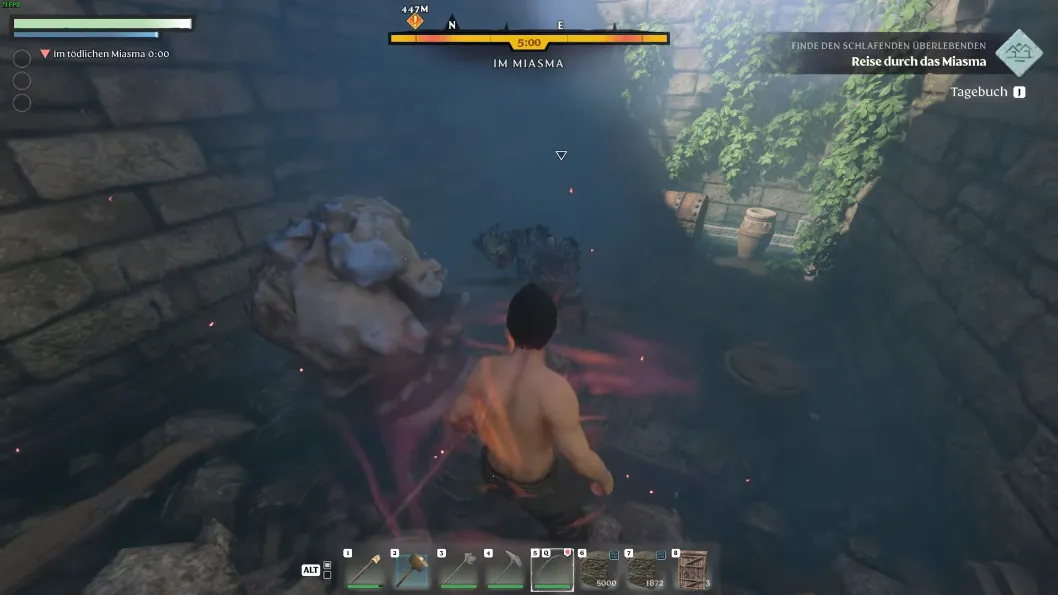
What loot ESP should highlight first
Start with chests and containers on your planned route — not every interactable on the map. Add rare gear tiers once the base path feels fast. Distance caps keep far icons from cluttering dungeon corridors.
Category docs live on Enshrouded ESP. Pair chest markers with player ESP when you farm contested POIs so you are not looting blind.
Three filter presets for common farm goals
Gear upgrade run: weapons and armor tiers only, chests within medium range, player ESP on. Resource run: crafting mats and ore nodes, minimal player boxes. Boss prep: elite markers plus short-range loot, radar for flanks.
Toggle presets with hotkeys if your menu supports them. Switching from farm mode to fight mode mid-route is faster than deleting categories one by one.
Keep loot ESP readable after patches
New biomes and moved chests can flood old filters. After content updates on Enshrouded, spend one session retuning distances and tiers. Confirm Updates before you farm on patch day.
For co-op farming, read ESP in co-op sessions so only one overlay spamming containers. Information wins when the screen stays clean.